How to connect with Hospitable
To connect your website and sync listings with Livily, you will need to use Hospitable's Public API (Core) and generate a Personal Access Token (PAT). Please note that some navigation paths and screenshots may vary slightly depending on your Hospitable account version and user interface updates.
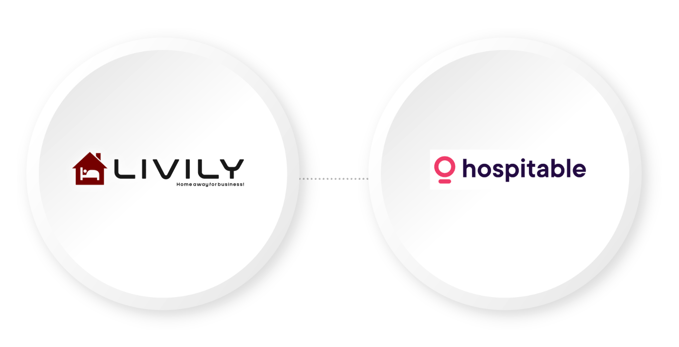
Step 1: Generate Your API Access Token
- Log in to your Hospitable account.
- Navigate to Settings → Integrations → API Access.
- Under Access Tokens, click + Add New.
- Enter Livily as the token name.
- Select Read and Write permissions.
- Click Create Token.
- Copy and securely save the generated access token. You will need this token when connecting your Hospitable account to Livily.
Once you have generated your access token, proceed to the Livily integration page and enter the token to complete the connection.
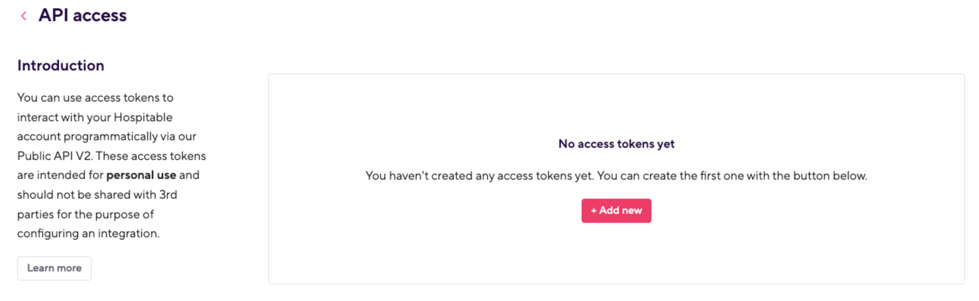
STEP 2 > Add Access Token into Livily
Create an account here https://livily.com/register
> Integrations > Hospitable >
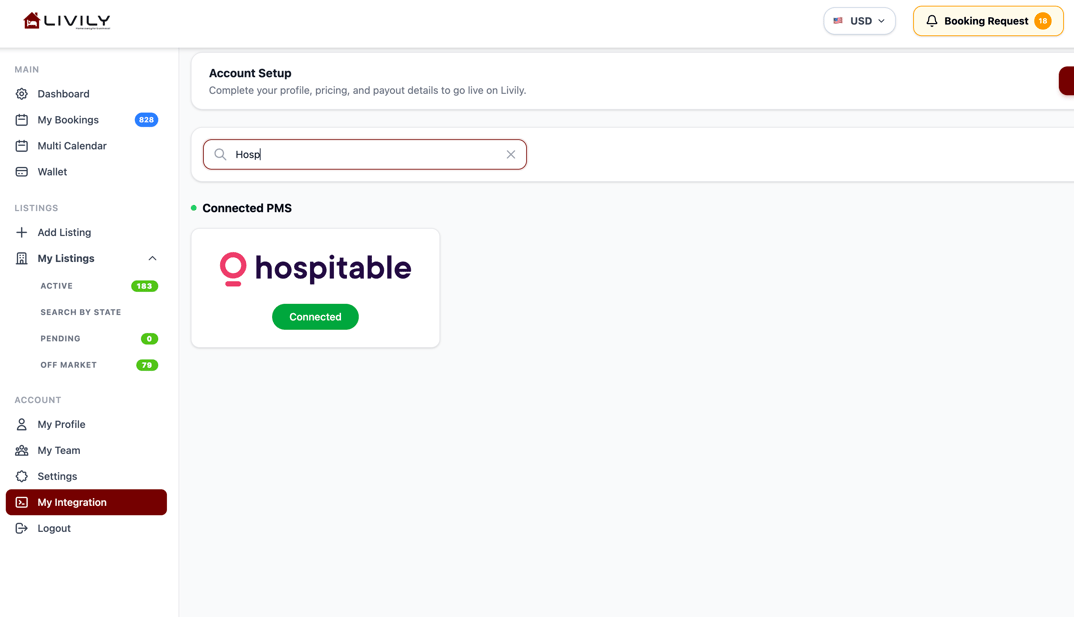
Step 3: Add Hospitable Access Token.
Click Connect, allow 30 to 60 minutes for your listing data to sync.