How to connect with Boost
To connect your Boost Rezfusion listings with Livily, you will first need to enable the Livily channel within Boost Rezfusion and then complete the connection in your Livily account.
-
Step 1: Push Your Listings from Boost to Livily
- Log in to your Boost Rezfusion account.
- Navigate to Channels or Channel Management.
- Locate Livily in the list of available channels.
- Enable Livily for the properties you want to distribute.
- Save your changes and push your eligible listings to Livily.
-
Step 2: Locate Your Boost Account ID
Your Boost Account ID is the numeric ID associated with your Boost account. This may appear in Boost as your account, company, or channel identifier.
If you are unsure where to find it, contact your Boost representative and ask for your Boost Account ID used for the Livily channel connection.
Example format:
3658
Step 3 : Connect Boost in Livily
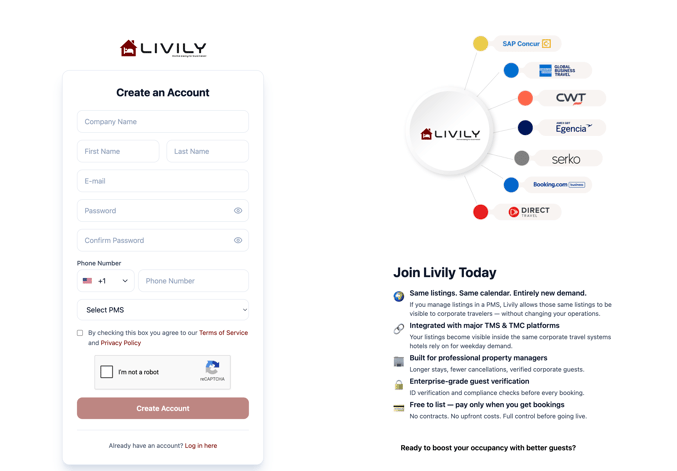
1. Create a Livily account: livily.com/register
2. In Livily, go to → Integrations -> Search Boost
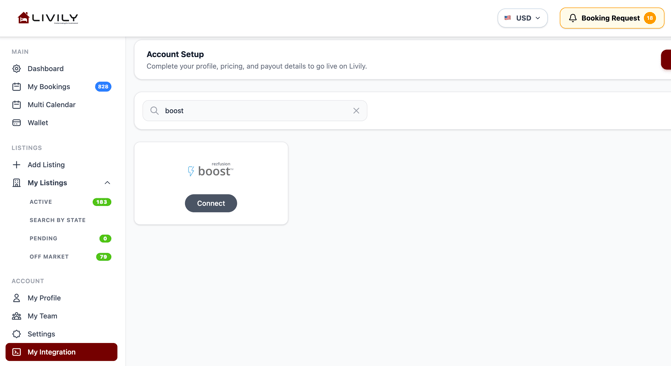
3. Enter your Boost Account ID -> Click Save
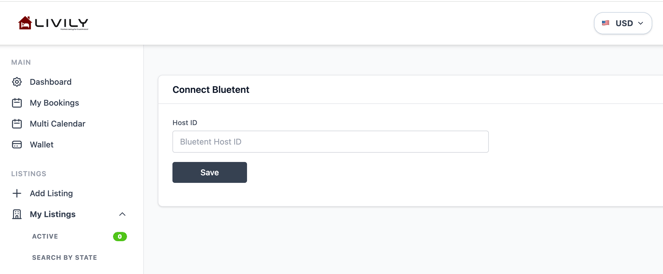
Once connected, Livily will match your account to the listings pushed from Boost. Your listings should then appear inside your Livily dashboard.